
Start with the way your labels leave the roll
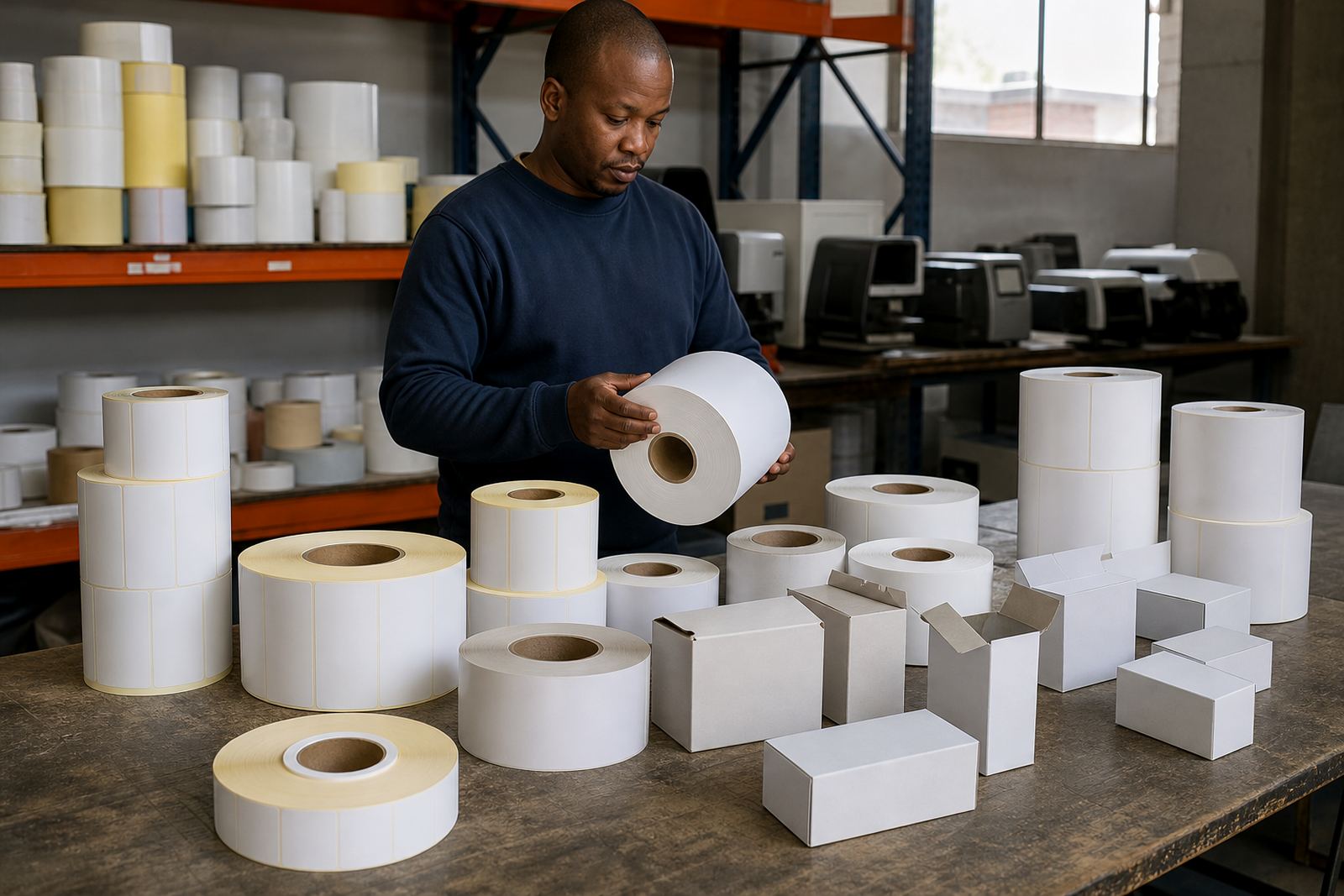
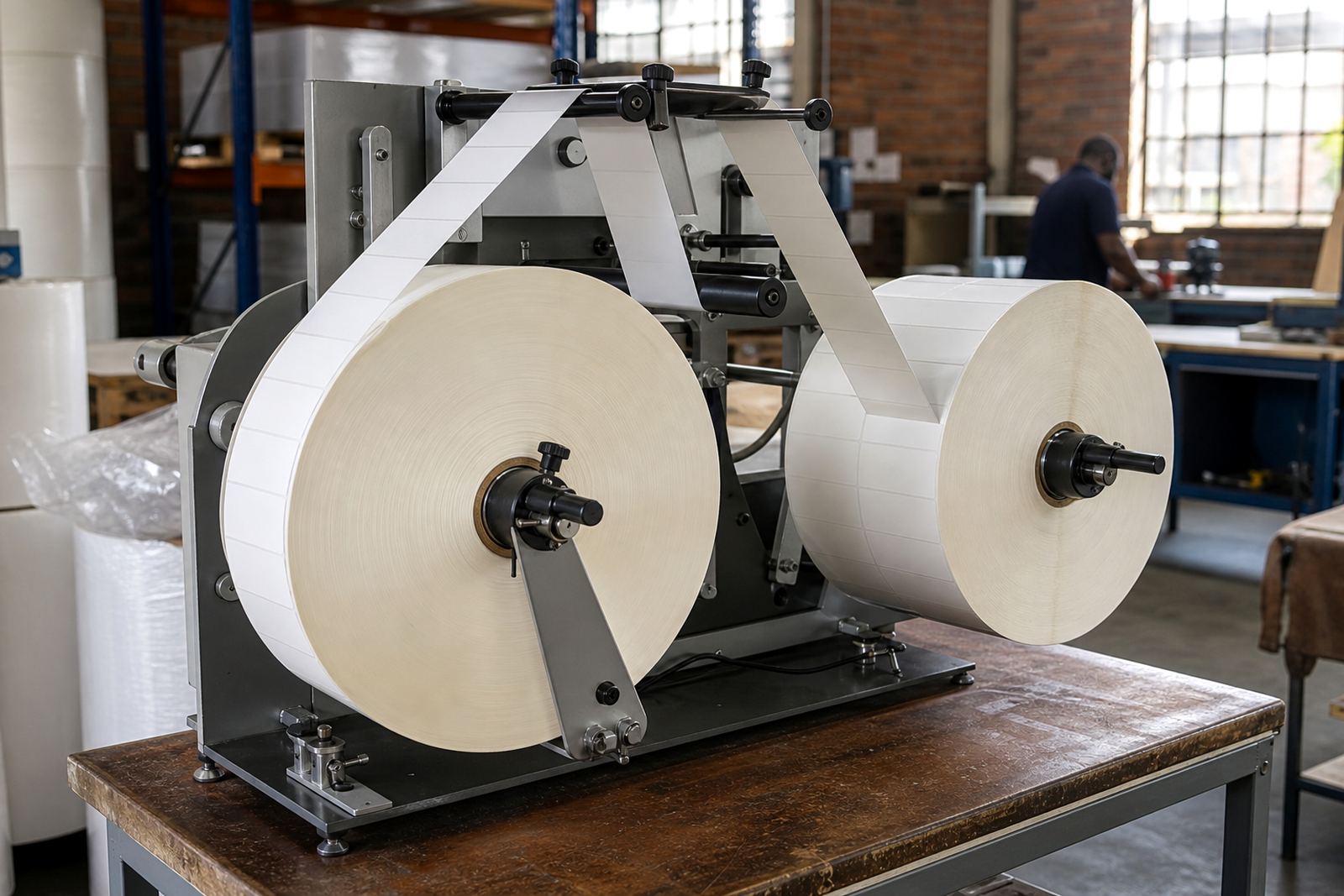
Winding direction tells you which side of the roll faces out and which edge appears first when the roll unwinds. In plain terms, an inside wound roll feeds from the label face that sits on the inside of the coil, while an outside wound roll feeds from the outermost layer. The right choice depends on how your printer peels, dispenses or rewinds labels, and on whether the operator applies them by hand or through a machine. If the roll is loaded the wrong way round, the print may land upside down, sensors may miss the gap, or the liner can track poorly through the path.
A roll that feeds in the expected direction reduces stop-start loading and helps keep each batch moving. The label stock itself may be paper, synthetic film or a coated face stock, but the winding still has to suit the equipment. In a busy setup, one small mismatch can slow the whole shift.
Inside wound or outside wound: match the roll to the printer
Most benchtop and industrial printers are set up for one winding direction, not both. Thermal transfer printers and direct thermal printers can each have their own feed path, peel plate position and sensor placement, so you need to check the handover before a run begins. A printer that expects an outside wound roll may still accept an inside wound roll with adjustment, but only if the ribbon path, label exit and sensor position all line up. Otherwise the operator ends up turning the roll over and losing time at every changeover.
Use this quick check before you order:
- Confirm whether the printer dispenses labels from the top, bottom or side of the roll.
- Check if the print head faces up or down in the machine.
- Note whether the label exits face-first or backing-first.
- Match the winding to any applicator, rewind unit or dispense arm on the line.
- For hand application, decide which direction makes the peel edge easiest to lift.
If you are unsure, a sample roll is the safest way to confirm the loading path before bulk supply. That is often better than guessing and ending up with a pile of rolles that do not feed cleanly.
How core size and roll build affect winding
Winding is not only about direction. Core size, roll diameter, label pitch and winding tension all affect how the roll behaves once it is in the printer. Common core sizes include 25 mm, 40 mm and 76 mm, but the correct size depends on the printer spindle and the available bay space. A roll that is wound too tightly may curve, crown or stick at the edge, while a loose wind can telescope and create a messy feed. With humid coastal storage in Durban or summer heat in Johannesburg, stable winding matters because paper and adhesive can react differently to the surroundings.
We also look at roll length planning and winding direction together. A long roll on a small core may suit a high-volume run, but if the printer cannot carry the outer diameter it becomes a problem. The liner choice matters too, because glassine and other release liners have different stiffness and slip characteristics. Those small details affect how neatly the roll unwinds and whether the label strip tracks straight through the machine.
- Check the core ID and the printer spindle size before confirming a roll.
- Ask for the final outer diameter if the printer has a shallow cavity.
- Confirm whether the liner needs to run smooth for fast dispensing or stronger for machine handling.
- Specify winding direction together with face stock and adhesive type.
Loading a roll without fighting the machine
The easiest way to load a roll is to hold it in the same orientation every time. Mark the core side, the label face and the unwind direction on the carton so operators do not need to think through the setup on each shift. This is especially useful where different teams handle the same printer during day and night work. If you run retail labels in one pack room and shipping labels in another, clear markings reduce avoidable errors.
A practical loading routine looks like this:
- Place the roll on a clean flat surface and check the unwind edge.
- Open the printer and follow the label path from the feed point to the exit.
- Seat the core fully on the spindle so the roll does not wobble.
- Thread the liner or label web through the guides without twisting it.
- Print a short test strip before the full batch starts.
If the test print skews, the winding may be correct but the guides may need slight adjustment. If the label is upside down or the sensor misses gaps, the roll is likely loaded in the wrong direction. Catching that early saves labels, ribbon and time.
When to choose a sample roll before a full order
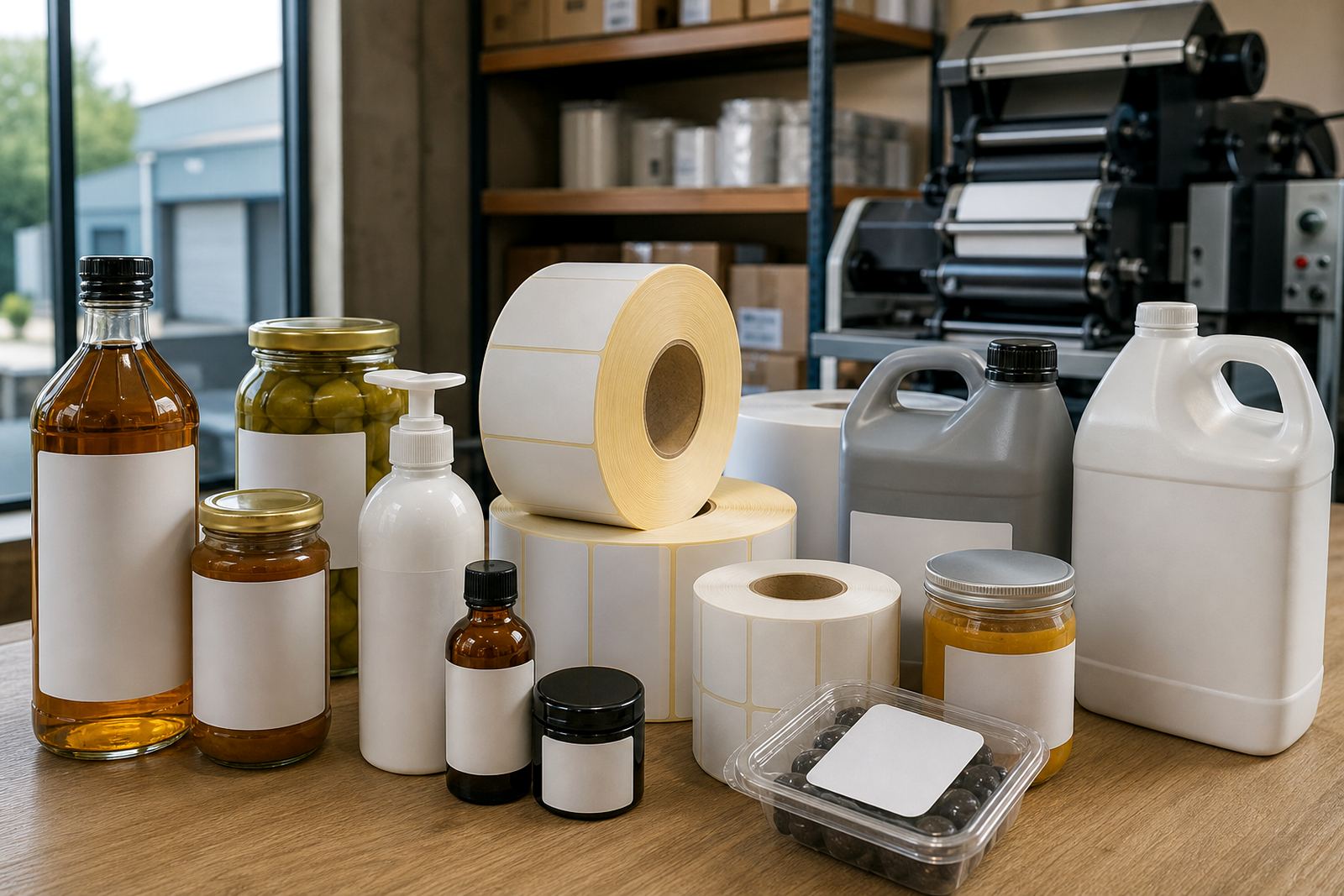
A sample roll is useful whenever the label size, adhesive or printer type changes. It lets your team check the unwind, print contrast, peel behaviour and feed tension under real conditions. That is important for businesses in Pietermaritzburg, Pretoria and Cape Town where different branches may use different printers even if the label artwork is the same. One branch may run a compact benchtop unit, another may use a wider industrial machine, and they will not always accept the same winding.
Use the sample to check:
- Whether the roll fits the spindle without forcing.
- Whether the labels feed evenly after 20 to 30 prints.
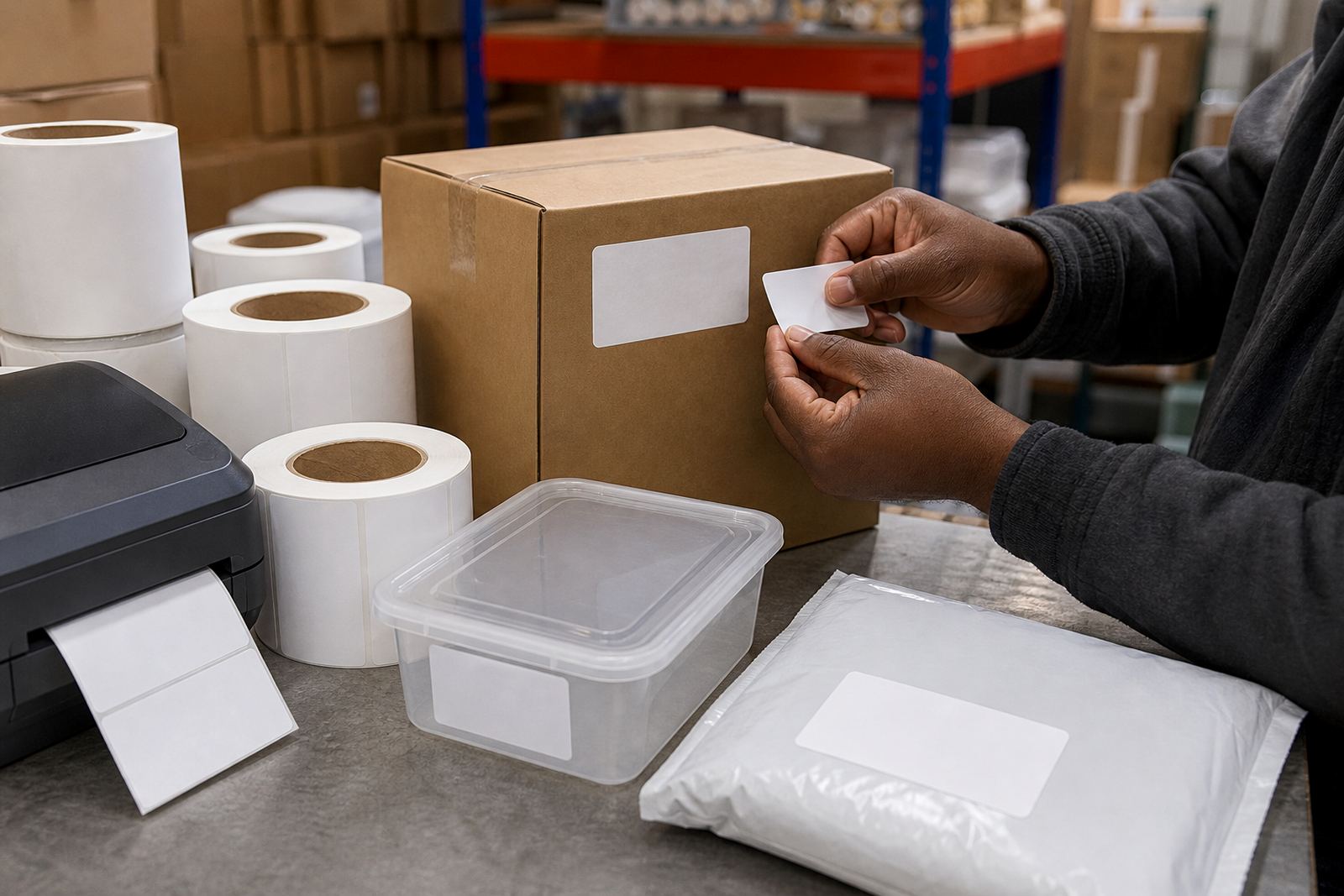
- Whether the adhesive lifts cleanly from the liner during manual application.
- Whether the print lands in the correct orientation for barcodes, batch codes or shelf labels.
- Whether the roll stays stable during start-stop use on the line.
For dispatch teams, sample testing also helps with packing because the roll can be checked before the main order is slotted into cartons. That reduces the chance of returns and keeps the next production run better planned.
The details we ask for before setting the wind
To set the right winding direction, we normally work from the printer model, the roll width, the core size and the way the labels must present to the operator. We also need to know if the roll is for direct thermal use or thermal transfer printing, because the handling can differ. Direct thermal stock usually serves short-life labels, while thermal transfer stock is paired with a ribbon for longer-lasting print. Neither choice fixes a bad winding setup, so both the media and the feed direction must be right.
Before dispatch, a clean spec should include the face stock type, adhesive requirement, liner preference and unwind direction. If the roll is for cold rooms, humid stores or rough logistics work, the adhesive and face stock need to match the use too. We can also assist with adhesive matching, printer fit checks, rewinding and custom slitting so the finished roll lands on the line without drama. In practice, that means fewer jams, less manual correction and a much smoother start to the day.
When the roll reaches your site in Westmead, Hammarsdale or anywhere else in South Africa, the best proof of good winding is boring operation. The labels feed, the printer reads them and the packing team does not have to stop and think.