
Why ribbon-based labels hold up better on the floor
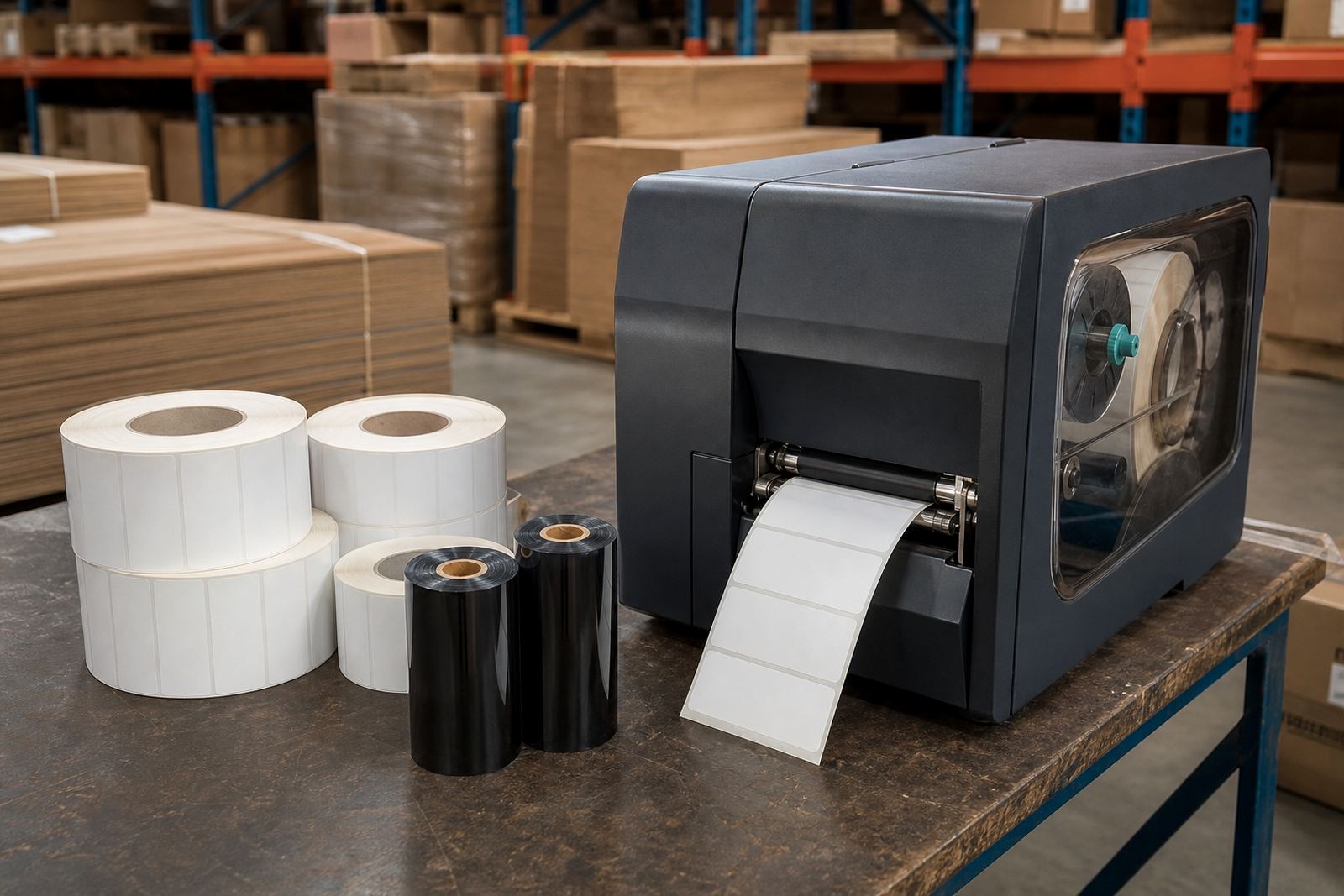
Thermal transfer is suited to labels that must survive sorting, transport, storage and contact with packaging tape or chilled surfaces. The ribbon transfers pigment onto the label, so the printed image is generally more durable than direct thermal, which relies on heat-sensitive coating on the label face.
That extra durability matters in Westmead, Pinetown and across Durban, Johannesburg, Cape Town, Pretoria and Pietermaritzburg where stock can sit in warm stores, move through loading bays, or face coastal humidity. It also helps where barcodes must scan cleanly after rubbing, stacking or brief outdoor exposure.
- Better resistance to abrasion and handling
- Suitable for packaging, shelf labels and shipping
- Works with many label face stocks, not only heat-sensitive ones
- Useful where print must last longer than a single dispatch cycle
Choosing the face stock that matches the job
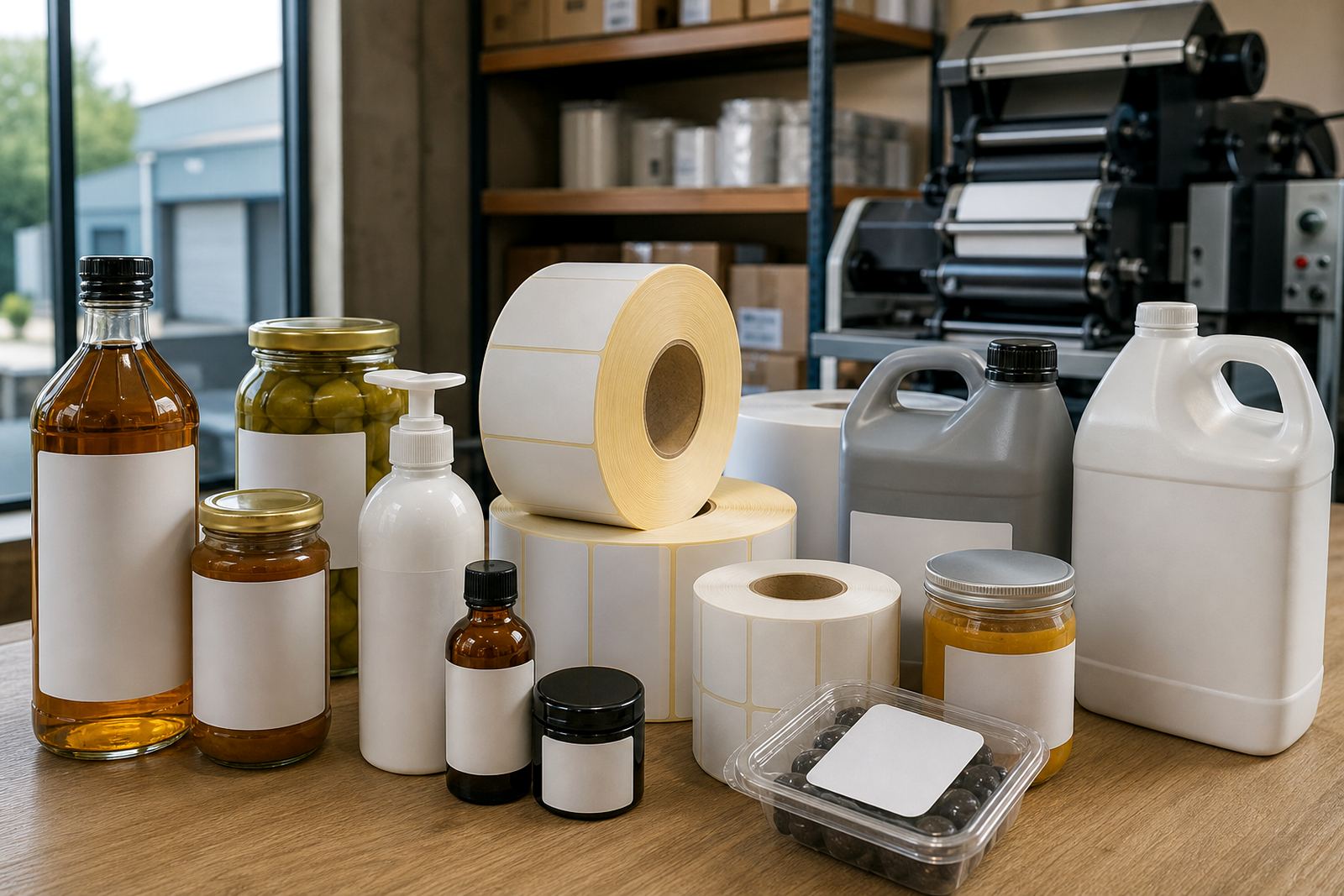
Face stock is the top layer that receives the print. Paper face stocks suit many general retail and logistics applications, while synthetic face stocks are often used where moisture, chemicals or cold-room conditions are part of the job. The right choice depends on how the label is handled, where it is stuck and how long it must stay readable.
For crisp barcodes and product information, the face stock should suit the ribbon type and printer heat settings. A smoother stock may print sharply, while a rougher surface can need more heat or a different ribbon grade. We also check whether the label needs a matt finish, a gloss look or a more practical low-sheen surface that scans well under warehouse lighting.
- Paper for general use and short to medium term labelling
- Synthetic for moisture, oil or cold storage exposure
- Matt finishes for reduced glare
- Gloss surfaces where presentation matters and the printer setting allows it
Ribbon, adhesive and liner: the full stack must work together
A thermal transfer setup is only as good as the parts working together. The ribbon has to suit the face stock, the adhesive must suit the surface and the liner must feed cleanly through the printer and applicator. If any part is mismatched, you can get poor print density, lifted corners or labels that peel during transit.
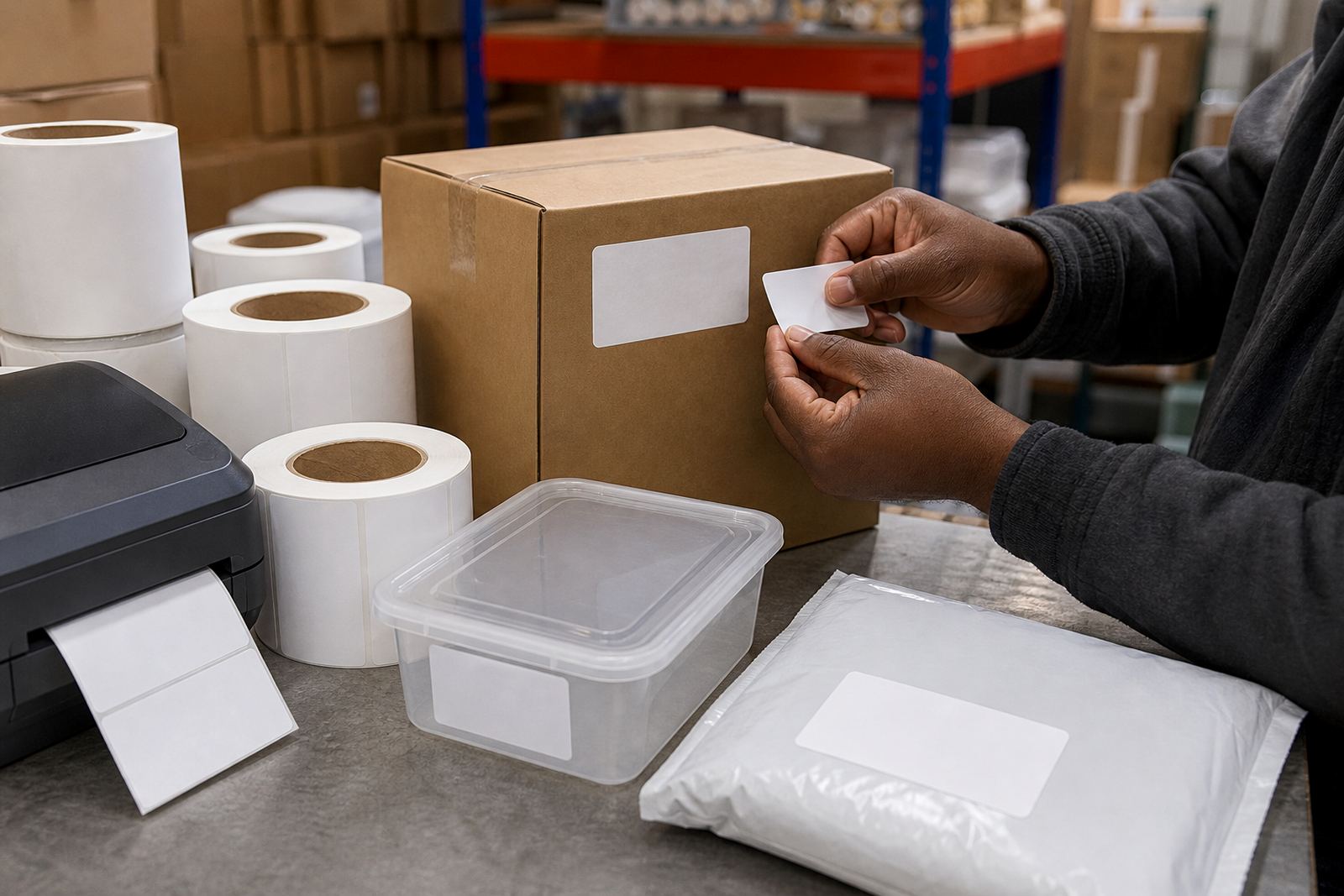
Adhesive matching is especially important when labels are applied to corrugated cartons, drums, plastic tubs or chilled packs. A permanent adhesive may be right for carton sealing, while a removable or freezer-grade adhesive may be needed for other uses. Liner thickness and release quality also matter because they affect die-cutting, rewinding and feeding consistency.
- Check ribbon grade against the face stock surface
- Match adhesive to carton, plastic, film or chilled packaging
- Confirm liner release and slit width for smooth feeding
- Review winding direction before production starts
Core sizes, roll length and printer fit checks
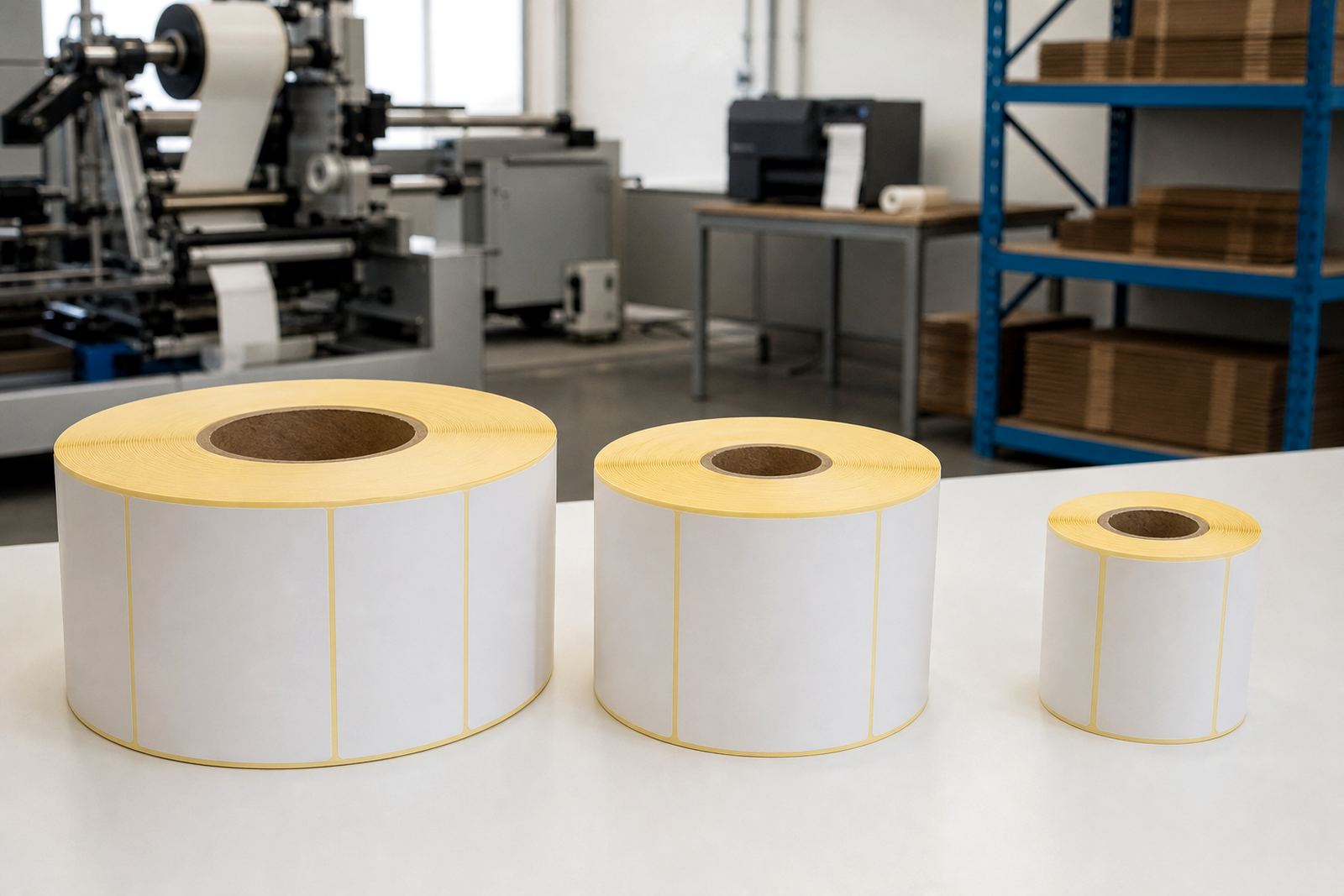
Thermal transfer rolls need to suit the printer path, holder size and rewind direction. Common core sizes are used across benchtop and industrial printers, but compatibility is not only about the core. You also need the correct outer diameter, roll length and label gap or black mark layout for the printer to feed properly.
Our printer fit checks cover the practical details that are often missed during ordering. That includes core size, roll width, winding direction, outside wound or inside wound orientation, and whether the printer sensor can read the label format cleanly. If the roll is too large, too tight or wound the wrong way round, the machine will struggle and production slows down.
- Confirm core size before slitting or rewinding
- Check printer width limits and roll diameter limits
- Match label pitch, gap and sensor type
- Use sample rolls where a new printer or label spec is involved
A practical setup routine before you run full batches
A short setup routine saves waste and avoids misprints. Before a full run, print a few labels, check the darkening, barcode scan and adhesive grab, then inspect the first wound roll for edge quality.
If the print looks pale, the ribbon may not match the face stock or the heat setting may be too low. If the print smears, the ribbon choice may be wrong or the stock may be undercured for the application. Small adjustments early prevent whole batches of poor labels.
- Load the roll and confirm winding direction
- Print 3 to 5 sample labels
- Scan the barcode and rub test the print
- Check that the adhesive bonds cleanly to the pack
- Approve the setup before the full dispatch run
When a repeat order needs a fresh review
Even a regular label spec can need attention if the printer changes, the pack size changes or the storage environment shifts. A box that moved well last month may now travel through colder storage, longer courier routes or more manual handling. In those cases, repeat order planning should include a quick usage review, not just a copy of the old job.
From our base in Westmead, Pinetown, we supply self-adhesive label stock and thermal rolls to Durban, Johannesburg, Cape Town, Pretoria and Pietermaritzburg, with slitting, rewinding and dispatch packing arranged to suit the order. If a client needs a different core, a tighter roll length, or a change in adhesive performance, we adjust the spec before production rather than after a pallet has already left.
- Review any change in printer, pack or storage
- Check whether the label must last longer than before
- Update core size or roll length if handling has changed
- Request sample rolls for first-time setups or revised jobs