
Start with the three measurements that stop most loading trouble
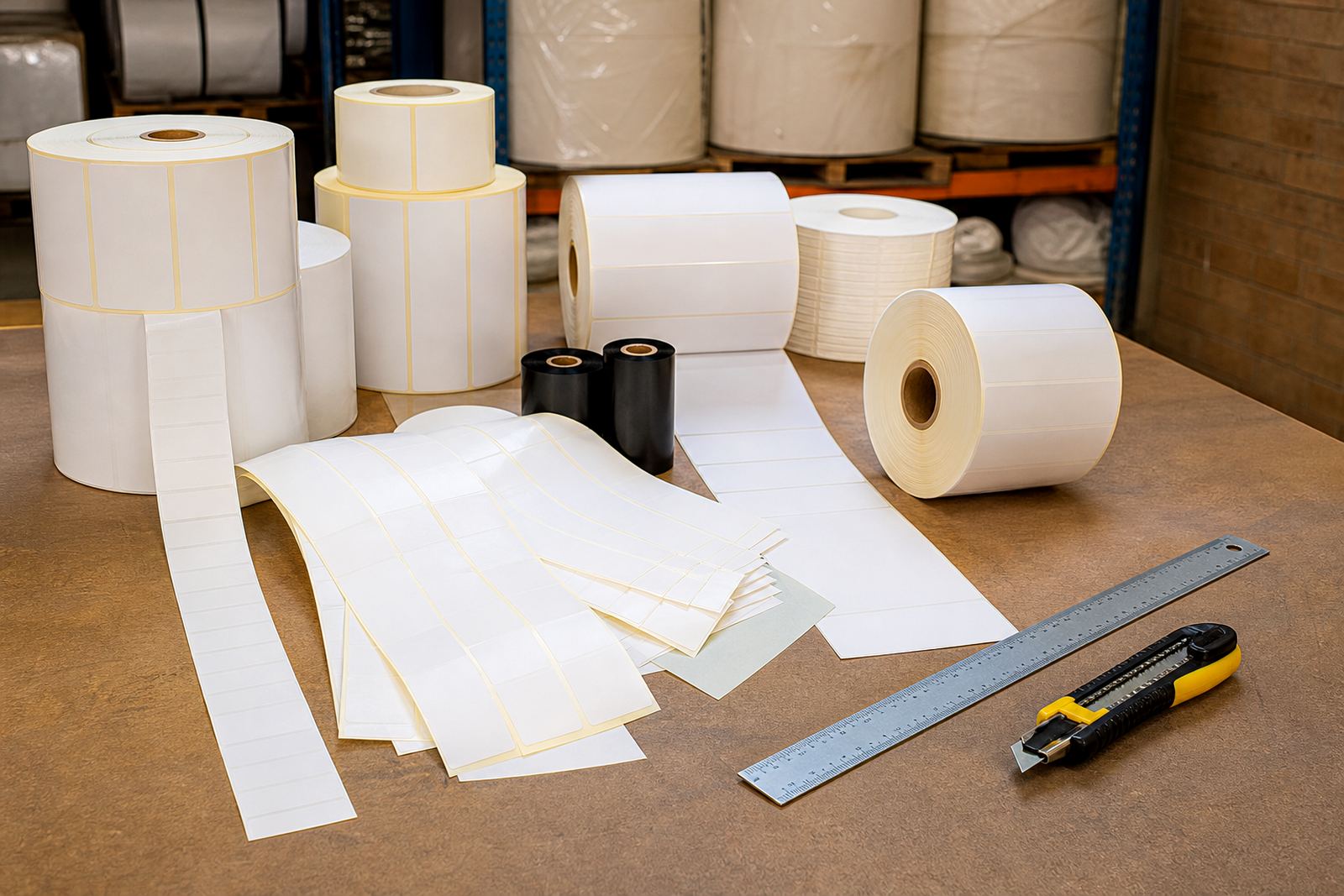
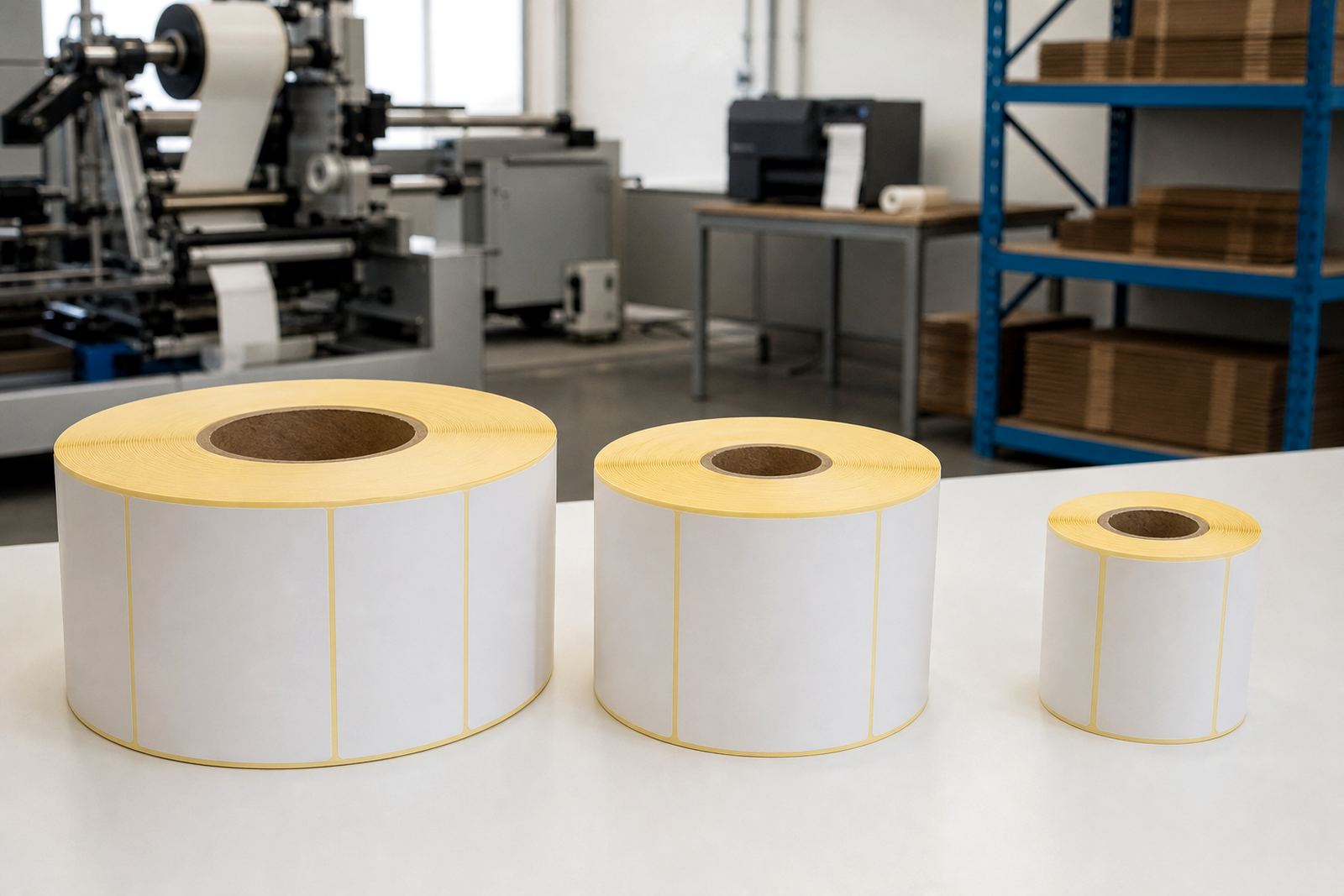
Before you think about the label face stock or adhesive, confirm three roll measurements: core size, outside diameter and roll width. Core size is the cardboard tube in the middle, usually measured in millimetres or inches. Outside diameter is the full roll size from edge to edge once the labels are wound. Roll width must match the print path, side guides and label web width inside the printer.
In Westmead and Pinetown we often see printers that can handle the label width but not the roll diameter. That becomes a problem in small office units, courier benches and warehouse printers where the cover closes too tightly. If the roll sits too high, rubs the side panel or pushes the guide arm out of place, the printer will keep stopping or skewing the stock.
- Measure the core size with a ruler or vernier caliper.
- Check the maximum outside diameter the printer compartment can accept.
- Confirm label width, gap size and edge clearance through the media path.
Know whether your printer wants direct thermal or thermal transfer
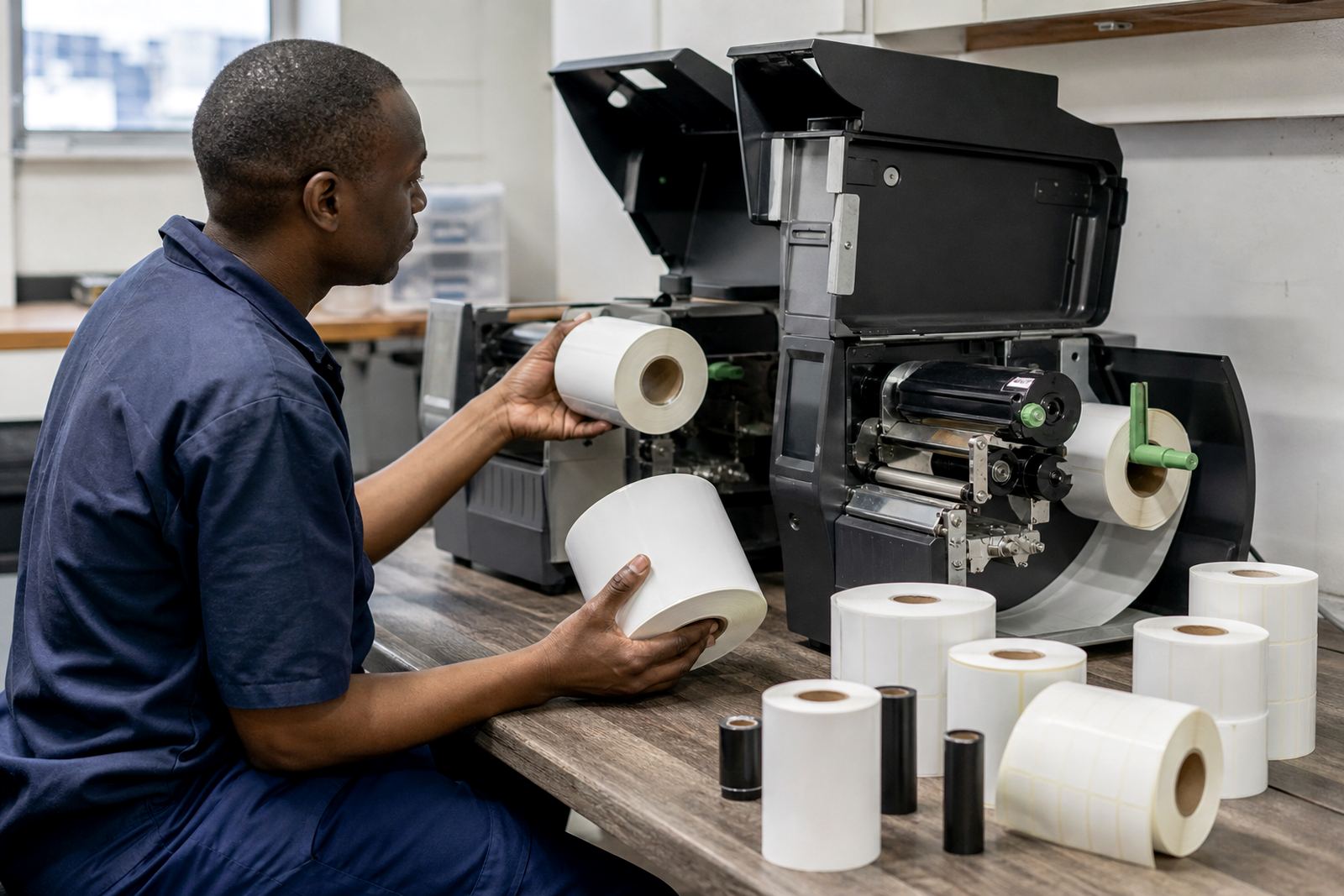
Thermal rolls are not all used the same way. Direct thermal stock prints by heat only and does not use a ribbon. It suits short-life applications such as courier labels, parcel routing and retail shelf marking where the printed image is needed for a limited period. Thermal transfer stock uses a ribbon, which gives a more durable image for storage, barcodes, packaging and product identification where rubbing, sunlight or handling is heavier.
If your printer was set up for direct thermal and you load thermal transfer stock, the print may look faint or incomplete. The reverse is also true: a direct thermal printer cannot simply be treated as a ribbon printer. That compatiblity check matters when you are ordering replacement rolls for branches in Durban, Johannesburg or Cape Town, because the wrong stock can stop dispatch for the whole shift.
- Check whether the printer uses a ribbon or prints without one.
- Match the roll type to the intended life of the label.
- Confirm if the printer sensor is set for gap, black mark or continuous stock.
Core size and printer fit are linked, not separate
Core size affects how the roll loads and how the printer feeds under tension. Smaller benchtop units often take a 25 mm or 40 mm core, while larger industrial printers may require 76 mm cores for better support. The wrong core can create wobble, feed drag or a roll that simply will not sit on the spindle. If the core is too small, the holder may not grip it properly. If it is too large, the roll will not mount at all.
We also look at how the roll unwinds. Some printers need the labels to feed from the top, others from the bottom, and the print head must meet the coated side in the correct direction. A roll can be the right width and diameter but still be unsuitable if the winding direction is wrong. That is why core size checks are done together with winding direction, not on its own.
For manufacturing lines in Pietermaritzburg or logistics sites in Hammarsdale, a small mismatch can cause repeated pauses, wasted labels and slower dispatch. One wrong roll on a busy morning, and the operator spends more time adjusting than printing.
Follow the media path from holder to print head
The media path is the route the roll takes once it leaves the spindle and enters the printer. Check side guides, roller contact points, the label sensor and the exit path. The roll must move freely, stay square and pass the print head without lifting. If the label web twists or the edge catches, the printer may start feeding at an angle and the barcode will print off centre.
Look for dust, adhesive build-up and worn rollers. In coastal areas such as Durban and parts of Cape Town, humidity can soften some paper face stocks and make labels stick slightly to themselves if the roll is stored badly. In hotter inland storerooms, curled edges can cause the web to ride unevenly. Keep rolls flat, dry and away from direct sunlight and store them in cartons until use.
- Open the printer and check that the roll path is clear.
- Make sure the sensor lines up with the gap or black mark.
- Confirm the labels leave the roll without snagging or curling.
Face stock and adhesive choices change how the printer behaves
Not every self-adhesive label face stock feeds the same way. Paper face stocks are common for cartons, retail marking and general dispatch work. Synthetic face stocks are used where moisture, oil or handling is heavier. A coated face stock may print differently from an uncoated one, and the adhesive can influence how cleanly the liner releases at speed. In some cases, a very aggressive adhesive creates more drag through the printer than expected.
The liner also matters. A thicker liner can improve strength during rewinding and slitting, while a lighter liner may suit high-volume print runs where flexibility is needed. If the adhesive is too strong for the application, labels may lift at the edge or leave residue on rollers. If it is too light, labels may peel during packing. Matching face stock, adhesive and liner to the printer helps avoid stoppages that look like machine faults but are actually roll choice issues.
A practical fit check before you place the order
When you are checking a roll for a printer, use the same method every time. Measure the roll, inspect the winding and compare the printer limits to the stock spec. If possible, test one sample roll before committing to a full batch. That is especially useful for new packaging lines, new barcode layouts or sites with mixed printers across the same operation.
Send through the printer model details, core size required, maximum roll diameter, label width and whether you need direct thermal or thermal transfer. If you already know the unwind direction and sensor type, add that too. A quick usage review can save a lot of back-and-forth later, and it helps keep supply consistent from Westmead to Pretoria.
- Printer model and label width.
- Core size and maximum outside diameter.
- Direct thermal or thermal transfer requirement.
- Gap, black mark or continuous sensing.
- Winding direction and roll length needed.