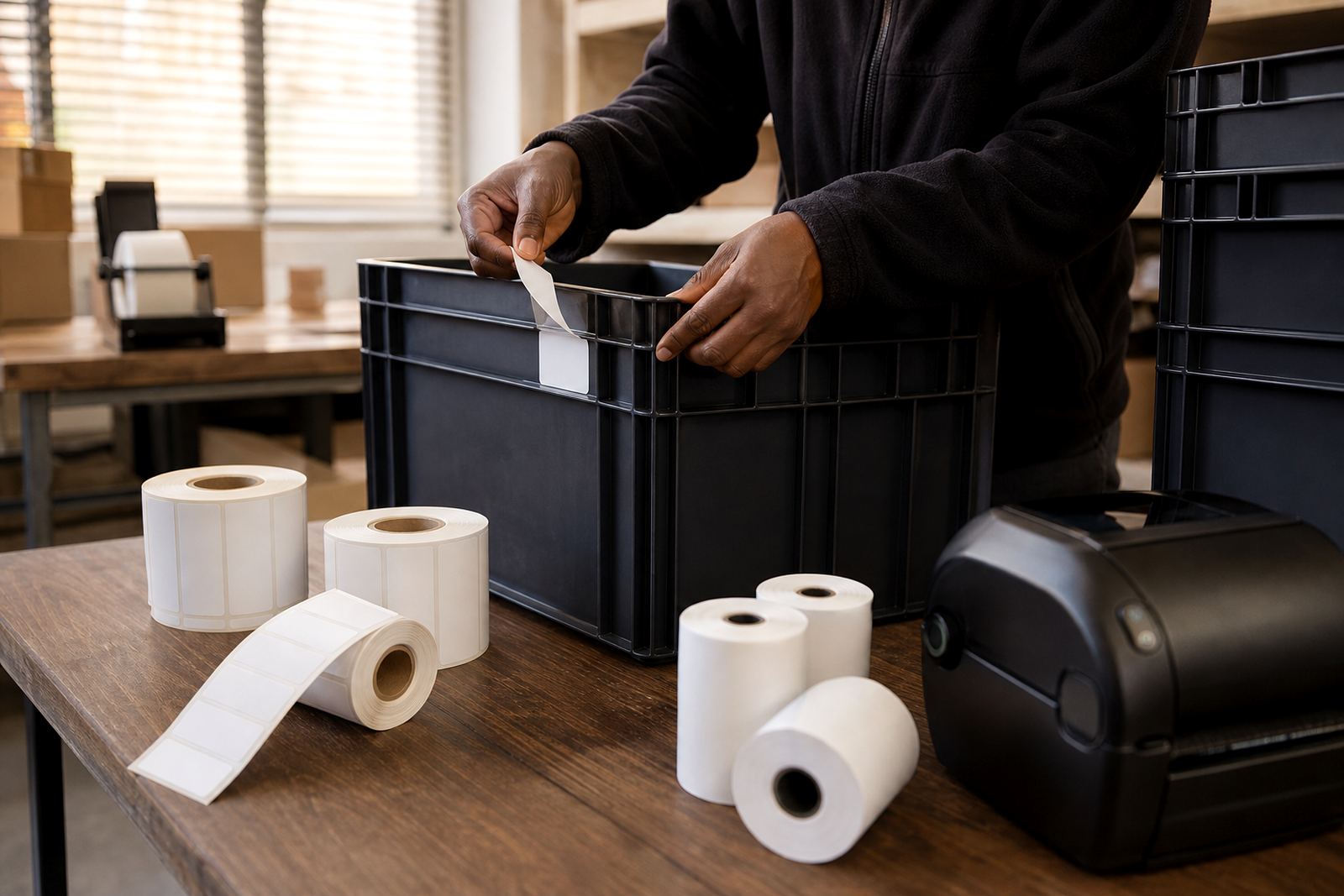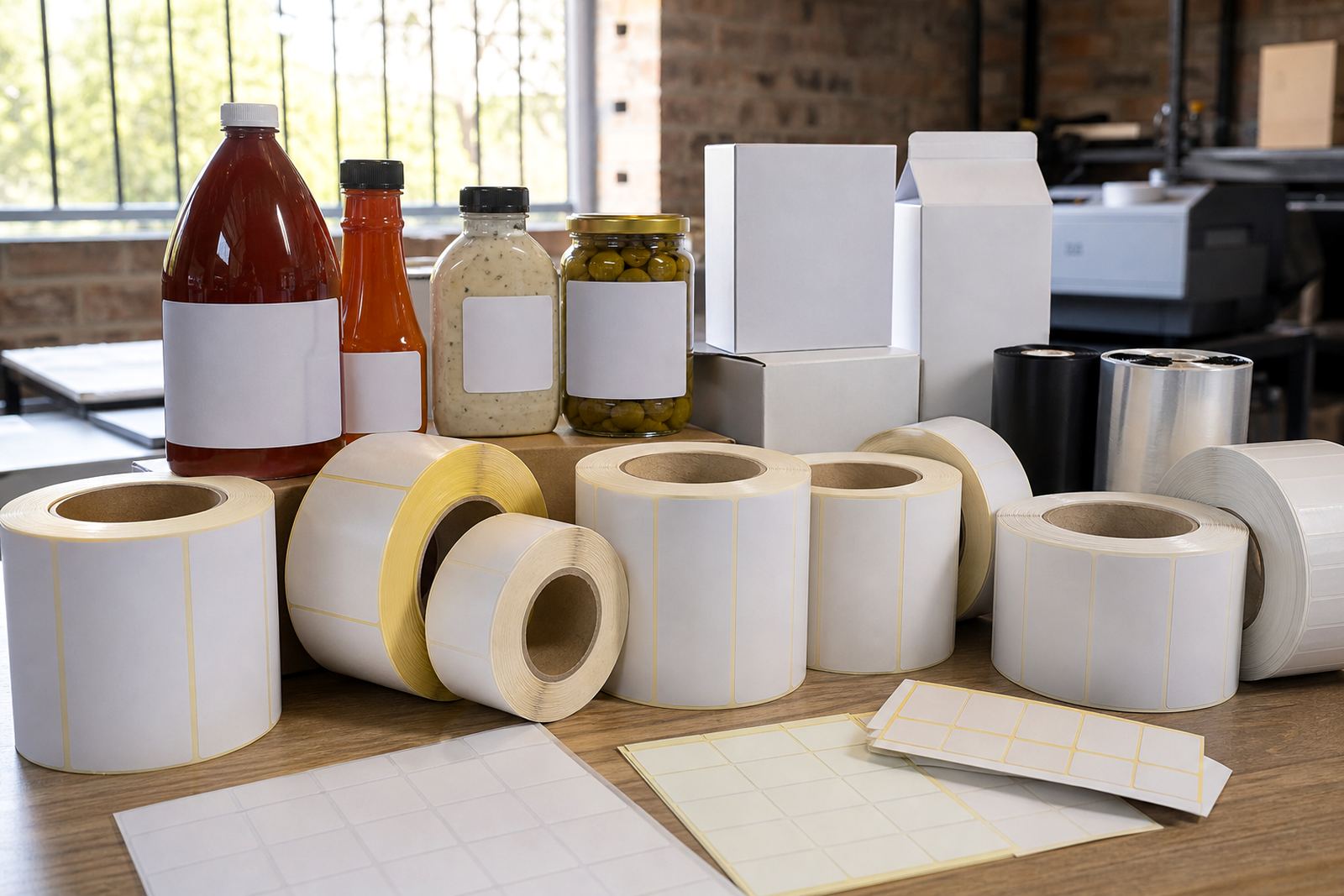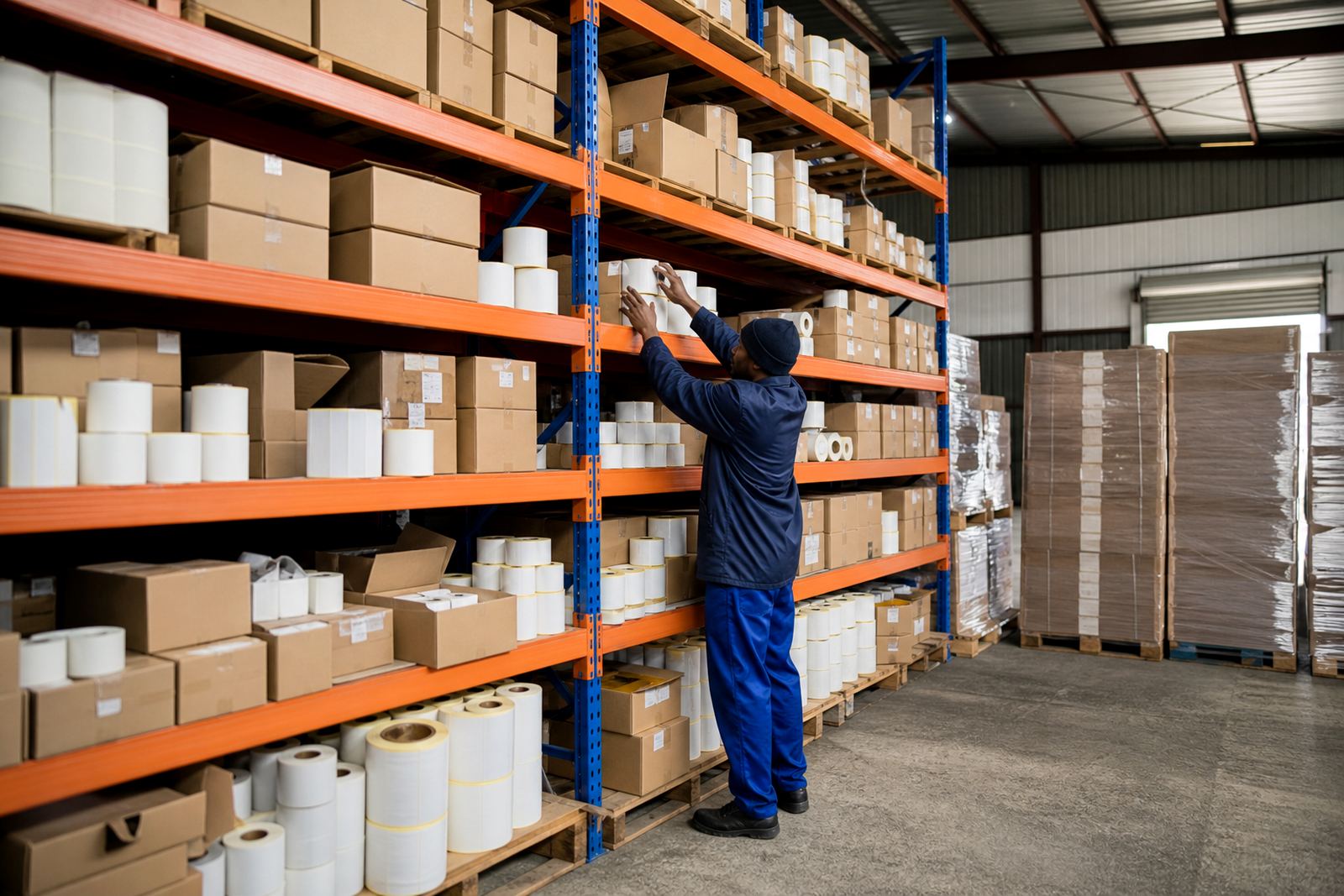

Start with the machine, not the label artwork
The first check is the printer type. Direct thermal printers print on heat-sensitive paper, so they need the right face stock and a roll that can handle the heat path in the machine. Thermal transfer printers use a ribbon, so the label face stock must suit that transfer process and the ribbon width must match the label width. If the wrong material goes in, the print may smudge, fade or leave gaps at the edges.
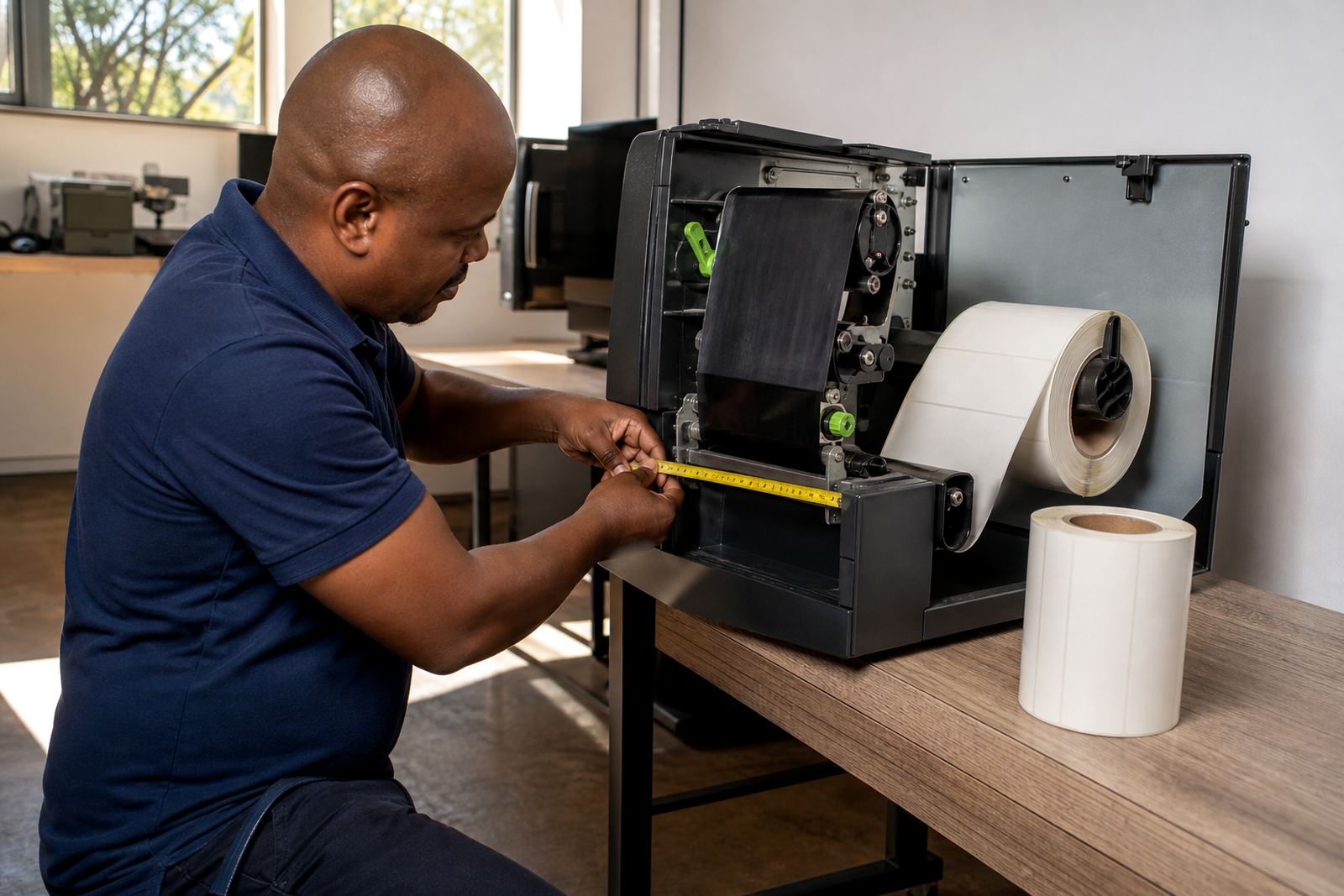
It also helps to know whether the unit is benchtop, industrial or a compact benchtop model used in a stock room. A printer in a warehouse at Westmead handling cartons all day has different feed demands from a small retail printer in Pietermaritzburg used for shelf tickets and bag labels. Check the printer manual for the supported core size, outer roll diameter and media path before you order.
Our team often starts with a printer fit check because the face stock and adhesive can be correct, yet the roll still will not feed through the guides. That is where the small measurements matter.
Core size and roll diameter decide if the reel will even load
The core is the cardboard tube in the middle of the roll. Common core sizes are 25 mm, 40 mm and 76 mm, with some printers taking only one size. If the core is too small, the spindle will not hold the roll steady. If it is too large, it will not fit into the holder at all.
Outer diameter matters just as much. A long roll may hold more labels, but if the roll is too thick it can rub the printer cover, press against the sensors or stop the lid from closing. In a busy dispatch area, that means a machine goes offline for no good reason and the packing line waits.
- Measure the core width and the inside diameter of the holder
- Check the maximum outer roll diameter with the cover closed
- Confirm whether the spindle needs a fixed core or a floating one
- Ask whether the printer feeds from the top, rear or bottom path
Face stock and adhesive need to suit the job, not just the printer
Printer fit is not only about mechanics. The label face stock has to suit the surface and the working environment too. Paper face stocks work well for many retail and logistics applications, while film-based face stocks are often preferred where moisture, handling or scuffing is common. In humid coastal areas like Durban, the wrong face stock can curl at the edges or lose print clarity faster than expected.
Adhesive choice is just as important. A permanent adhesive grips strongly to cartons, bags and tubes. A removable adhesive is better where the label must lift off cleanly later. A freezer-grade or high-tack option may be needed where surfaces are cold, dusty or slightly uneven. If the adhesive is too aggressive, labels can wrinkle. If it is too weak, they lift during transport.
Good fit means the print sticks to the label and the label sticks to the product, with no surprises on the packing floor.
Winding direction and print orientation stop the upside-down surprise
Winding direction sounds minor, but it decides whether the label enters the printer in the correct orientation. Rolls can be wound with the print surface facing in or out, and the labels can be supplied leading-edge first or trailing-edge first depending on the setup. If the roll is wound the wrong way for the printer, the sensing marks can miss, the labels may print upside down, or the machine may pull the backing through incorrectly.
This matters when a team uses more than one printer across sites. A roll that works in Johannesburg Supply may not be ready for the same machine in Cape Town Supply if the feed path or sensor position differs. A quick sample roll is the safest way to confirm the direction before a full run goes out.
- Confirm face-in or face-out winding
- Check whether the printer reads black marks or gap sensing
- Match label pitch to the sensor settings
- Test one sample roll before approving the full order
That one check can save a lot of spoilage when the job is time-sensitive and dispatch is already under pressure.
Label size, gap, and liner thickness all affect feeding
The printer must recognise each label as a separate unit. That means the label length, the gap between labels and the liner thickness all need to work together. If the gap is too small for the sensor, the printer may overprint or stop at the wrong point. If the liner is too stiff or too thin for the feed tension, the roll can wander inside the machine.
Label width also matters because it affects ribbon use on thermal transfer printers and how the media sits under the printhead. A very narrow label on a wide printer may need careful guide adjustment. A very wide label can expose poor alignment if the platen roller is worn or the side guides are loose.
When a manufacturing line in Hammarsdale is coding cartons for same-day dispatch, the feed has to stay consistent from the first label to the last. That is where proper roll length planning helps, because a roll that is too short means more changeovers, while one that is too long may not fit the holder.
A quick compatibility check before the order leaves Westmead
Before a new format is approved, the practical checklist is short but important. Measure the printer, not just the label request. Then compare the core, the roll diameter, the winding and the material against the machine setup. If the labels will be used in retail, logistics or production, think through the handling conditions as well as the print method.
For example, a clothing distributor in Pretoria may need tidy shelf and carton labels that print sharply, while a food packer in Durban may need stronger adhesion and better moisture resistance. Both jobs may use the same printer type, but the roll construction is not the same.
- Printer model and print technology
- Core size and spindle fit
- Maximum outer roll diameter
- Label width, length and gap
- Winding direction and sensor type
- Adhesive and face stock for the surface
Once those details are known, the order is far less likely to stall on arrival and the operator can load it with confidence.
Why a sample roll saves time later
A sample roll is worth using whenever the printer, material or label format changes. It confirms whether the roll feeds cleanly, whether the print lands in the right place and whether the adhesive behaves as expected on the actual surface. It also gives the team a chance to check if the label peels easily from the liner without splitting or curling.
This is especially useful when a business has mixed operations across townships, estates and industrial areas. A roll that works neatly in a calm back office may behave differently in a hot packing room with dust, vibration and stop-start use. In South Africa, that practical test matters more than assumptions.
Once the sample runs cleanly, repeat order planning becomes much easier. The same format can be kept for the next run, with only small changes if the printer setup or product line changes later.