
Start with the label face, not the scanner
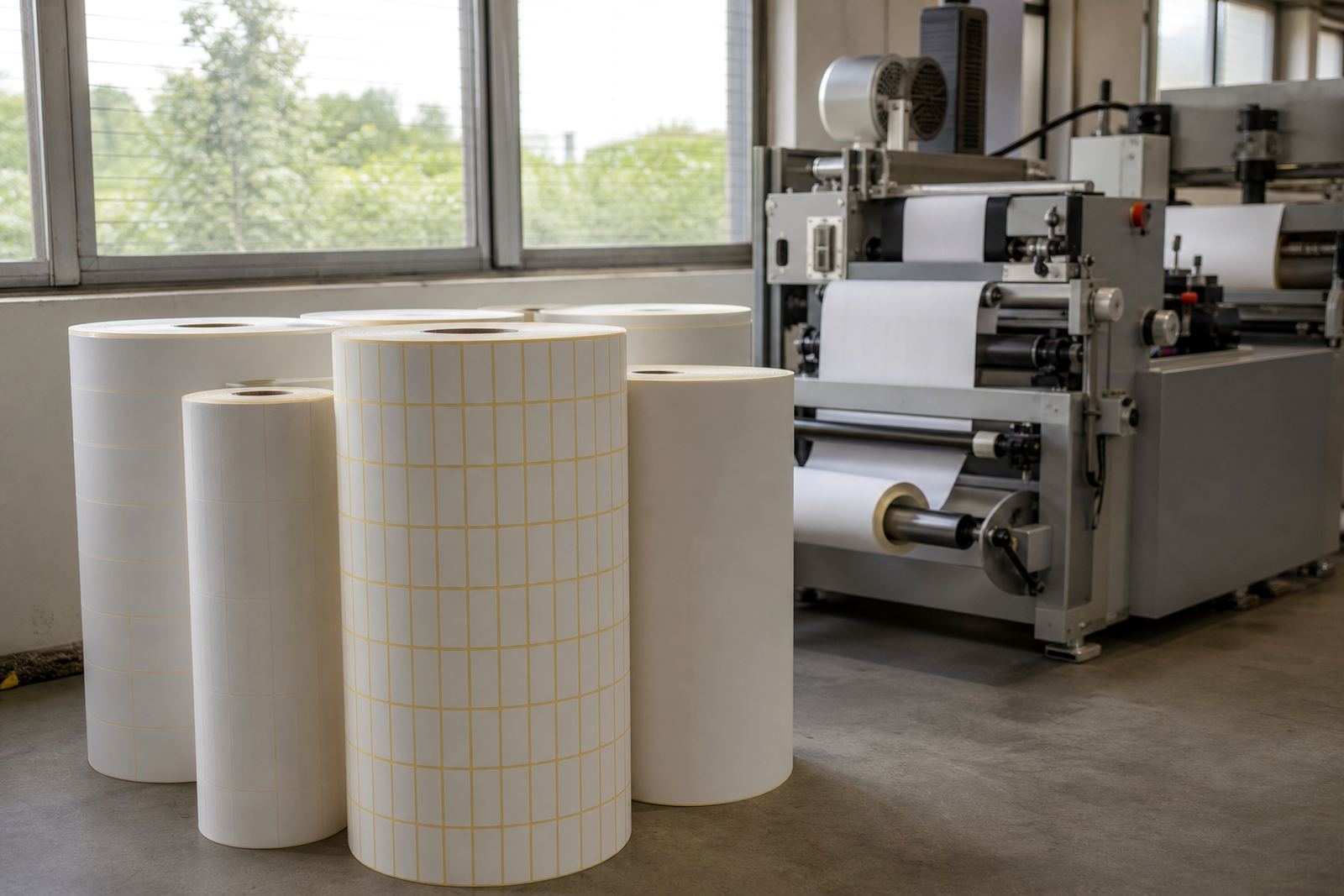
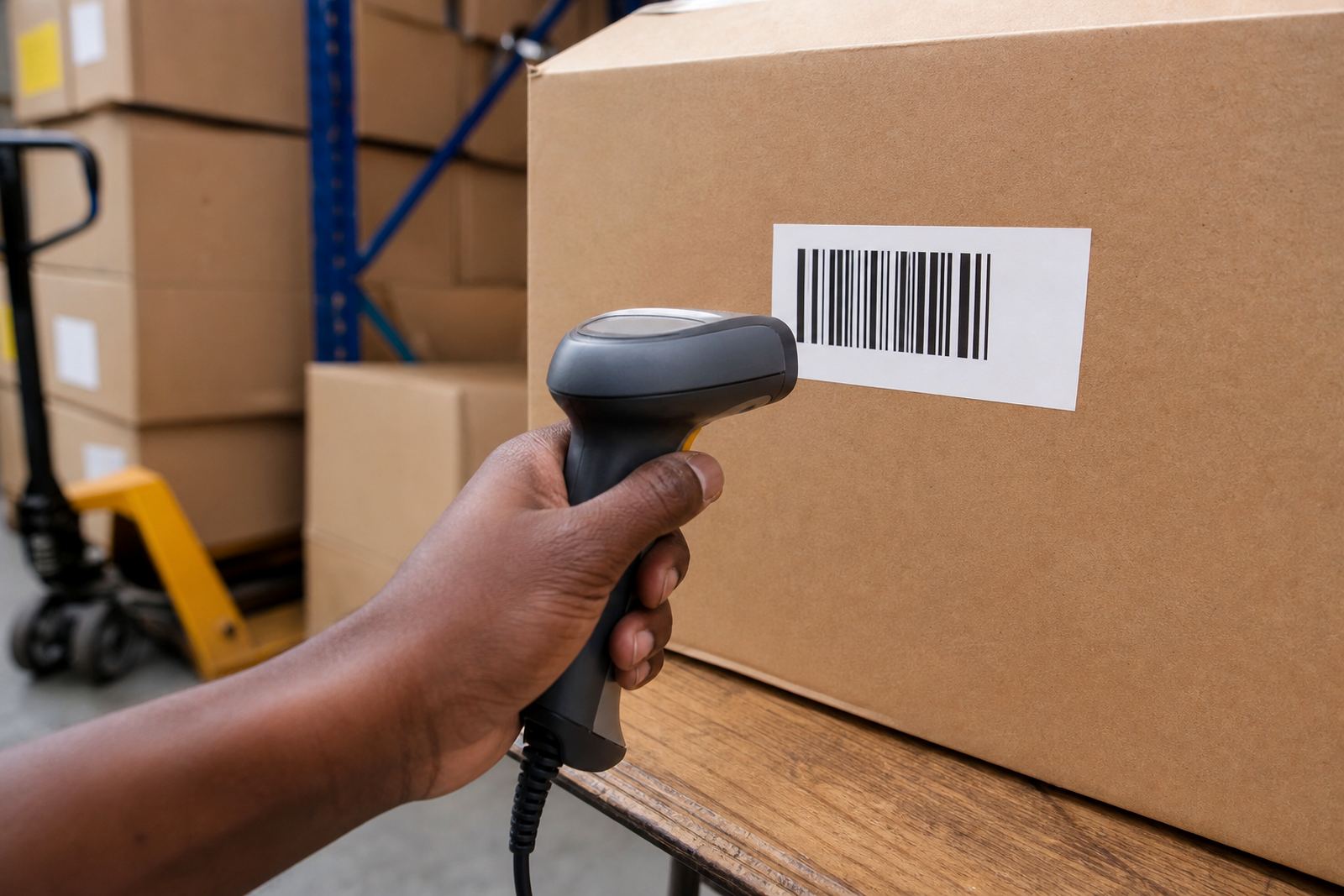
A barcode is only as steady as the surface it sits on. If the face stock is too glossy, too fibrous, or too soft for the job, the bars can look fine to the eye but still fail under a scanner. For packaging and stock control, a smooth white face stock usually gives the cleanest result because it lets the printed bars sit evenly and hold their shape.
In practice, the choice depends on what the label must survive. For warehouse cartons that move through humid Durban conditions, you need a face stock that stays flat and does not cockle. For retail jars or pouches, the surface must accept fine lines without spreading the ink or thermal image. If the product sweats in cold rooms, condensation can blur codes unless the label stock is matched properly to the application.
One common mistake is choosing the label only for appearance. A bright finish may look neat on shelf, but it can reflect light and make scanning awkward at awkward angles. A matte or semi gloss face is often easier to read, especially where staff are using handheld scanners in low light or fast-moving packing lines.
Choose the adhesive for the environment the code must survive
Barcode problems are not always printing problems. The adhesive affects whether the label stays flat, lifts at the corners, or shifts after application. If the label moves, even slightly, the bars can distort and the scanner may struggle to lock on.
For cartons, sacks and crates, a general purpose permanent adhesive is often enough. For chilled packs, drinks, or products stored near coastal humidity, a stronger adhesive may be needed so the label does not peel back after a few hours. On reusable tubs or returnable containers, a removable or specialised adhesive can help if the label must come off cleanly later.
- Use permanent adhesive for sealed cartons, shipping labels and most retail pack labels.
- Use stronger tack when the surface is rough, curved or exposed to damp conditions.
- Check whether the label must stay put through transport, cold rooms or handling in transit.
- Test on the actual pack, because corrugated board, plastic and coated paper all behave differently.
At our Westmead, Pinetown base, many dispatch teams ask for sample rolls first because the same label that works on one carton can fail on another. That small check saves reprints, wasted roll length and time on the packing floor.
Thermal transfer and direct thermal do different jobs
Barcode clarity also depends on the print method. Direct thermal labels are coated to react to heat from the printer head, so they are useful for short term use such as courier bags, parcel labels and fast-moving dispatch work. They are quick and tidy, but the print can fade with heat, sun exposure or friction over time.
Thermal transfer printing uses a ribbon to place the image onto the label face. That gives a harder wearing code that is better for long storage, product identification, asset labels and items that may sit in a storeroom for months. If the barcode must survive handling, box rubbing or moderate heat, thermal transfer is usually the safer route.
The wrong choice can make a good code fail later. A label that reads perfectly at packing may turn faint after a few days in a hot vehicle or a sunlit loading bay. For Gauteng deliveries, where parcels can move from cool storage into warm trucks and then back into air conditioned spaces, the print method should be chosen with that journey in mind.
Roll size, core size and winding direction matter more than people think
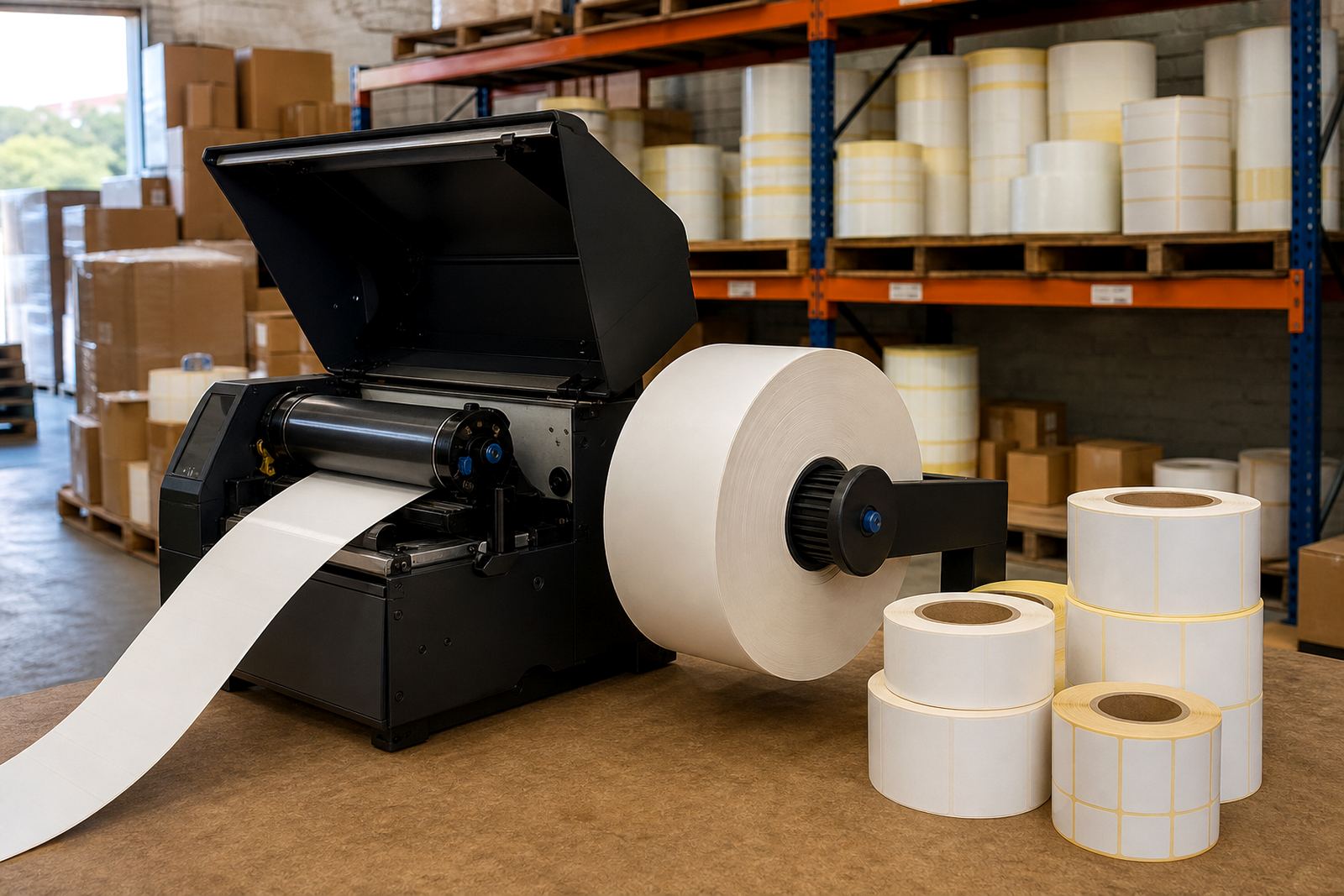
Even a perfect barcode can become a problem if the roll does not fit the printer properly. Core size, outer diameter, label spacing and winding direction all affect feed consistency. When the roll shifts or drags, the printer can misregister the print and cause the bars to lean or blur.
Some benchtop printers take smaller cores and limited roll diameters, while larger industrial units can handle bigger rolls for longer runs. If the roll is too heavy for the printer spindle or too wide for the guide setup, feed tension may change during printing. That is when you get faint start marks, partial bars or labels that land slightly off centre.
- Match the core size to the printer spindle before ordering.
- Check the roll width against the printable area and the label design.
- Confirm winding direction so the label enters the printer the right way round.
- Plan roll length to suit your daily volume and avoid mid run changeovers.
Our roll length planning and core sizing work is often used by packers in Pinetown, Hammarsdale and further afield when they are switching printers or setting up a new line. A correct fit keeps the print steady and the batch moving.
Print settings can rescue or ruin a good label
People often blame the label stock when the real issue is the printer setup. Too much heat can spread the bars and fill in the gaps. Too little heat can leave the lines pale, broken or uneven. Speed also matters. Fast printing may be fine for plain text, but barcode edges can suffer if the setting is pushed too high without testing.
Small checks on darkness, speed and pressure make a big difference. It helps to print a test strip, scan it under normal work lighting and then scan it again from a slight angle. If the code only reads when the label is held perfectly still, the image needs adjustment.
For narrow barcodes, quiet changes in print density can decide whether the code passes or fails. If the label is being applied to textured film, recycled board or a curved surface, the print may need to be slightly sharper than you would use on a smooth carton. It is worth reviewing the settings after a change in face stock or printer head, not only when problems show up.
A Durban to Johannesburg run exposes weak labels fast
One practical example comes from a packing operation that sends retail stock from the coast to inland depots. Labels that scan perfectly on the packing table in Westmead can still fail once they travel through humidity, vibration and heat on route to Johannesburg. If the adhesive is too light, the corners lift. If the face stock is too soft, the bars compress under stacking pressure. If the print method is short term only, the code fades before the pallet is received.
That is why sample rolls and usage review matter. The right setup is not only about what works on day one, but what still reads after sorting, warehousing and final delivery. A barcode that stays legible through the full trip saves manual capture and reduces delays at receiving.
For businesses handling packaging, retail stock and logistics across South Africa, a quick printer fit check can prevent repeat errors across multiple branches. It is a practical step, especially when teams in Durban, Pretoria and Cape Town all need the same label to perform the same way.